
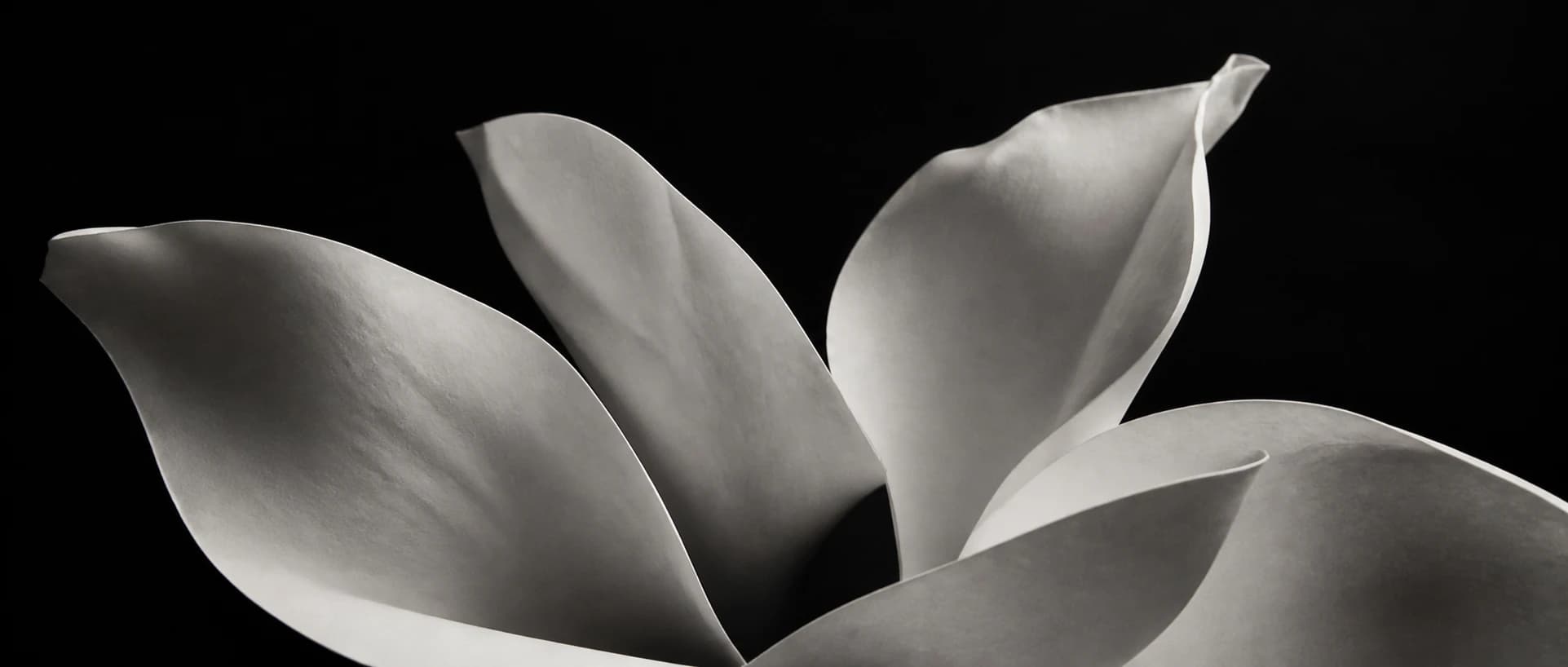

A bezel frames a diamond with a metal rim. A prong setting holds it with separate claws. To see which look you prefer, start at the stone's edge, then turn the ring sideways.
From above: follow the border
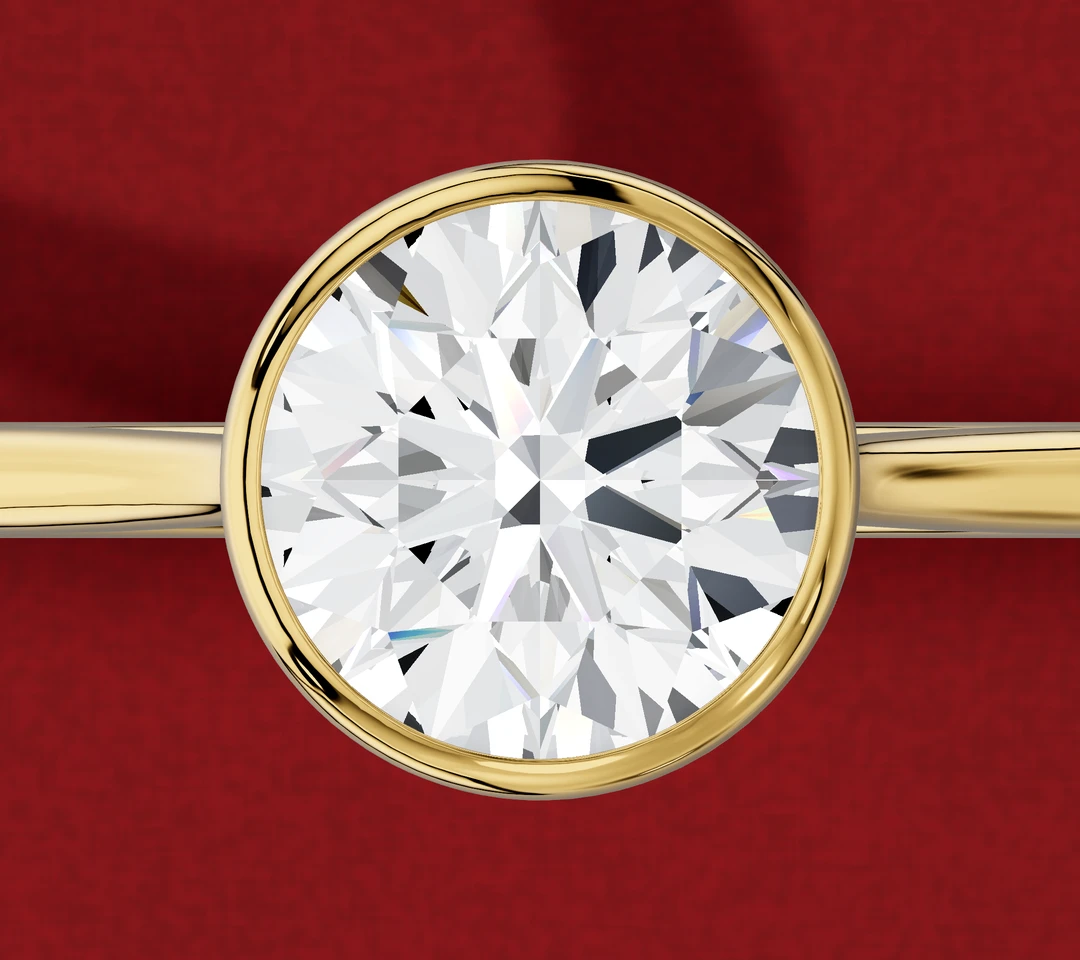
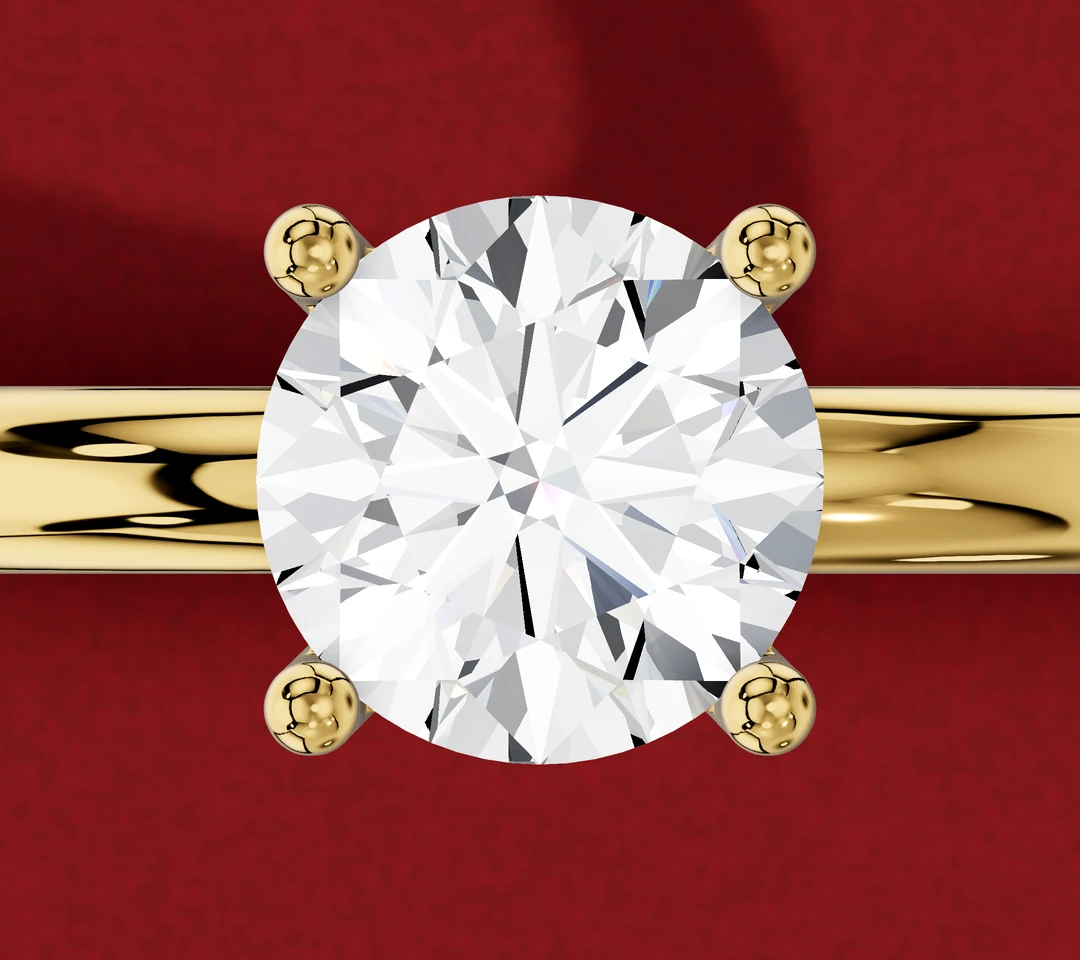
On the bezel example, follow the continuous upper rim around the stone. On the prong example, find the four separate tips. Look between those tips to see how the stone's outline appears without an upper metal border joining them.
This is the clearest starting point for the style choice: do you like a continuous frame, or separate accents around the stone?
GIA's guide to ring settings describes a full bezel as metal encircling the stone's edge, while prongs bend over the edge at separate positions. Partial bezels leave sections open; the bezel shown here has a continuous upper rim.
Close up: separate stone from metal
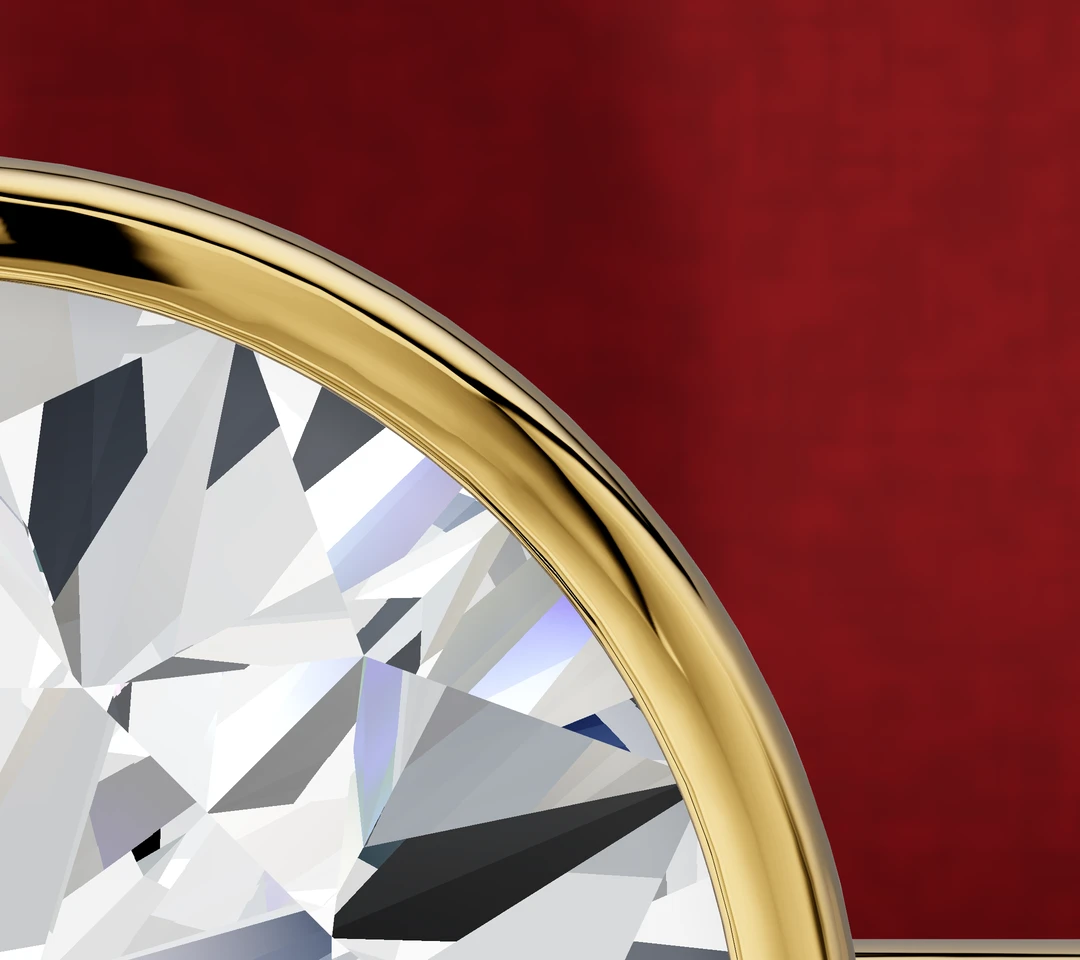
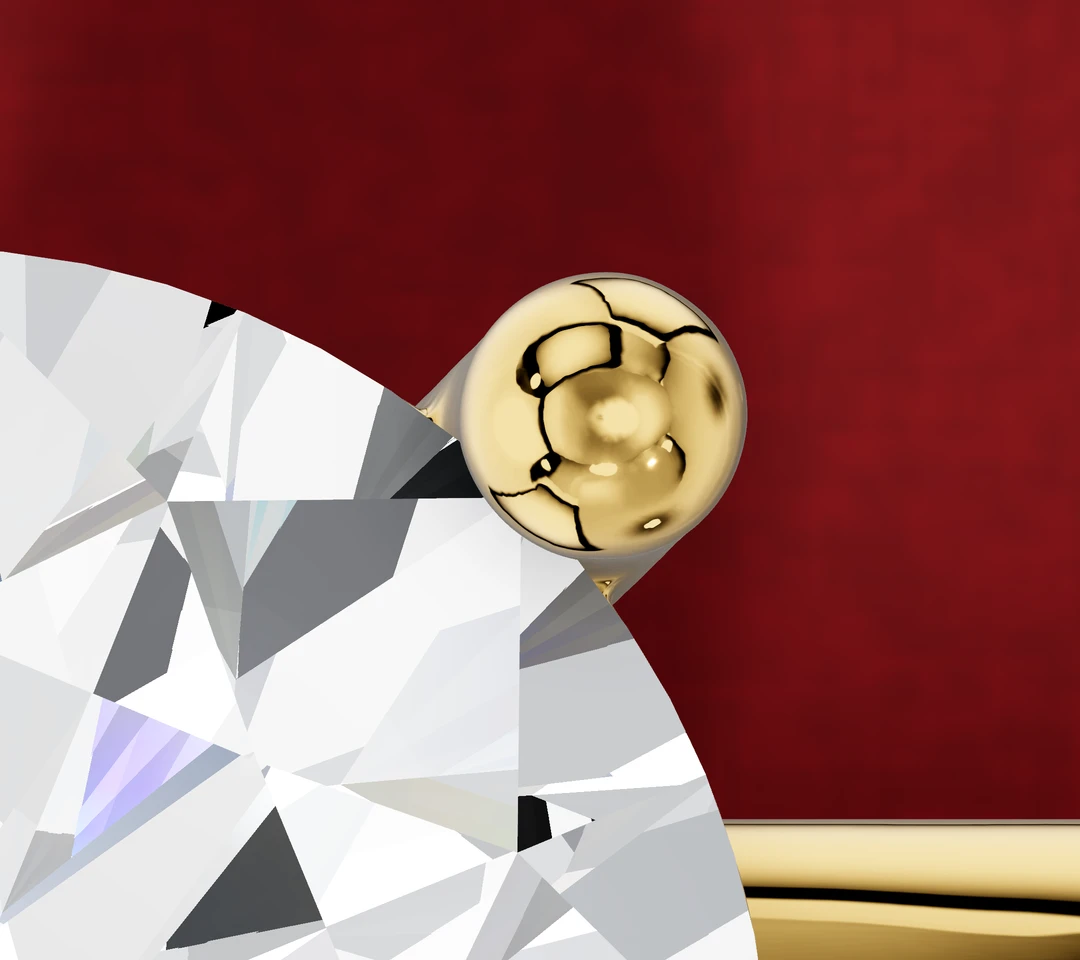
In the bezel close-up, identify where the stone ends and the surrounding metal begins. Notice how much of the view is occupied by that frame. In the prong close-up, look at an individual tip and the uncovered outline beside it.
When comparing designs of your own, ask for a similarly close view. “Bezel” alone does not tell you how fine or broad the border will look. “Prong” alone does not show the shape, spacing or visual prominence of the tips.
A useful comparison keeps the lighting, camera angle and zoom consistent. For an exact before-and-after judgement, ask for the same stone geometry in both designs.
From the side: find the lower rail
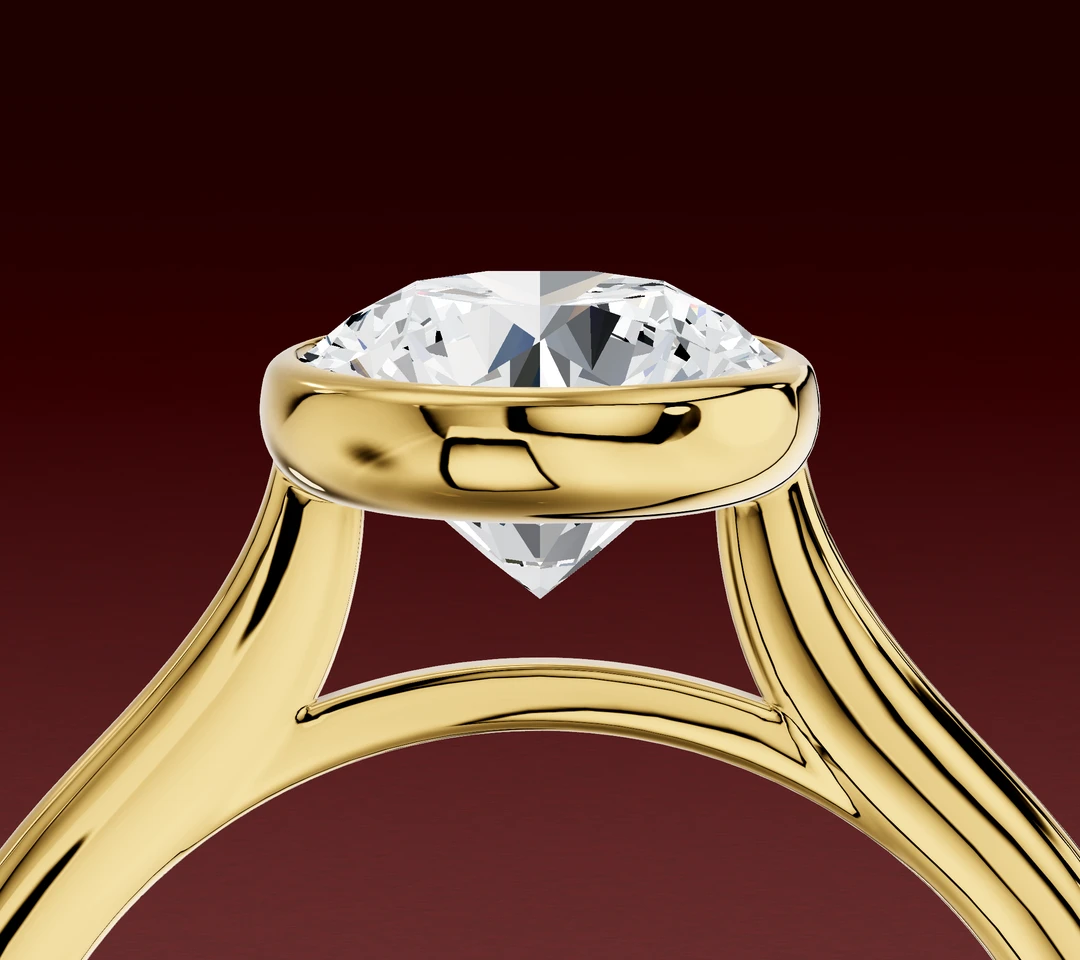
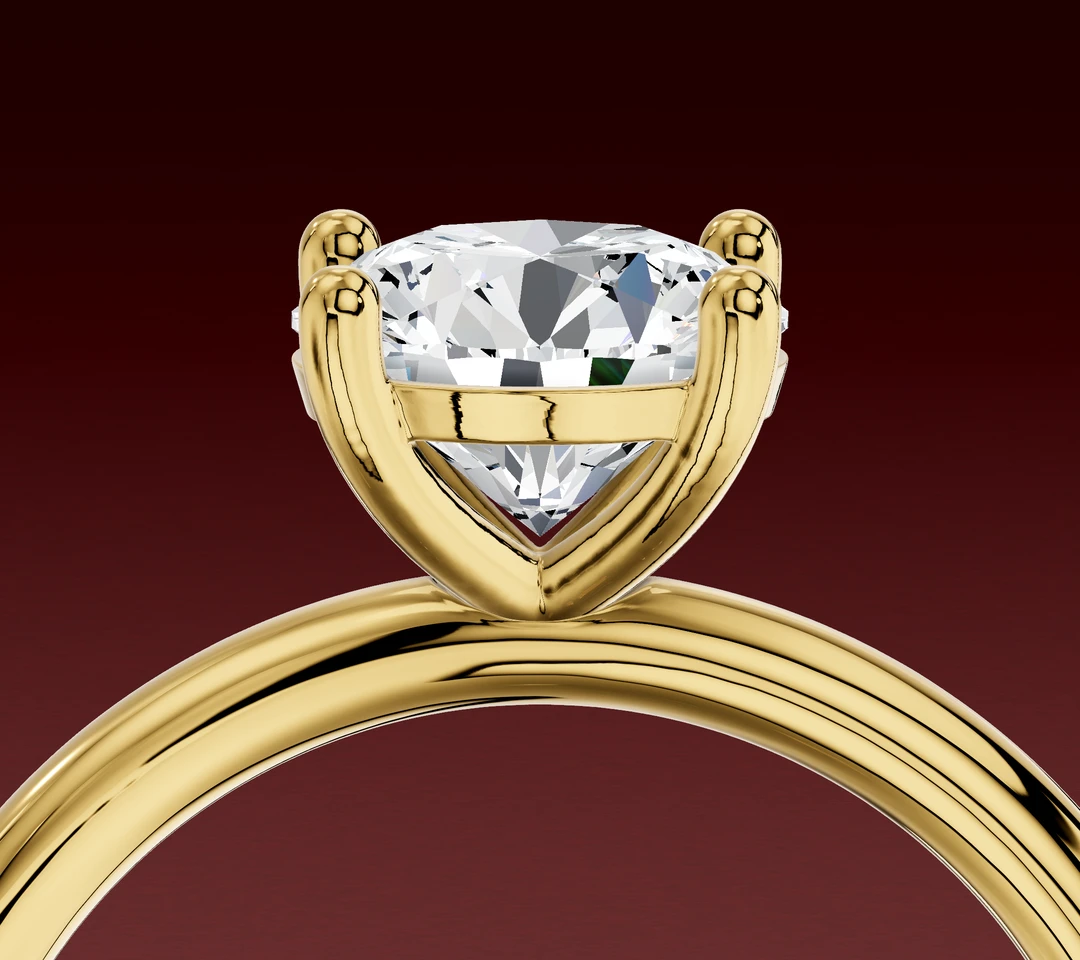
The prong example also has a lower gallery rail beneath the tips. Follow its position in the side view, then look back at the top view: a rail lower in the head is a different feature from the bezel's upper rim.
That distinction helps when a ring looks enclosed in one photograph and open in another. Ask where the metal sits relative to the stone's edge, rather than judging the setting from one dark line or reflection.
Use the profile to inspect the whole head and its connection to the band. The setting name alone does not give you its height, the space underneath it or whether a particular wedding band will fit alongside it. If you are reviewing a proposed design, our CAD-reading guide helps you identify each view and mark the detail you want to discuss.
Choose the outline, then check the actual ring
Save the view you prefer and mark the detail that matters: the bezel border, the prong tips or the side profile. Then ask about that specific design:
- Can I see top, side and close-up views using my chosen stone's dimensions?
- How will the rim or tips look after the stone is set and the metal is finished?
- What inspection and care does this ring need?
- If I plan to wear a wedding band beside it, can we assess the actual pair?
Browse bezel engagement rings to explore the framed look, or send us your preferred views for an online design discussion.
Fit, care and wedding-band pairing need assessment of the actual stone and finished ring.
Designed by us in Melbourne, made to order
Lily Dia is a small studio, so every ring is drawn, set and finished for the person wearing it. If this article helped, the collection shows how these choices look on real rings, and you can ask us anything before you decide.
Browse engagement ringsOr ask us a question first